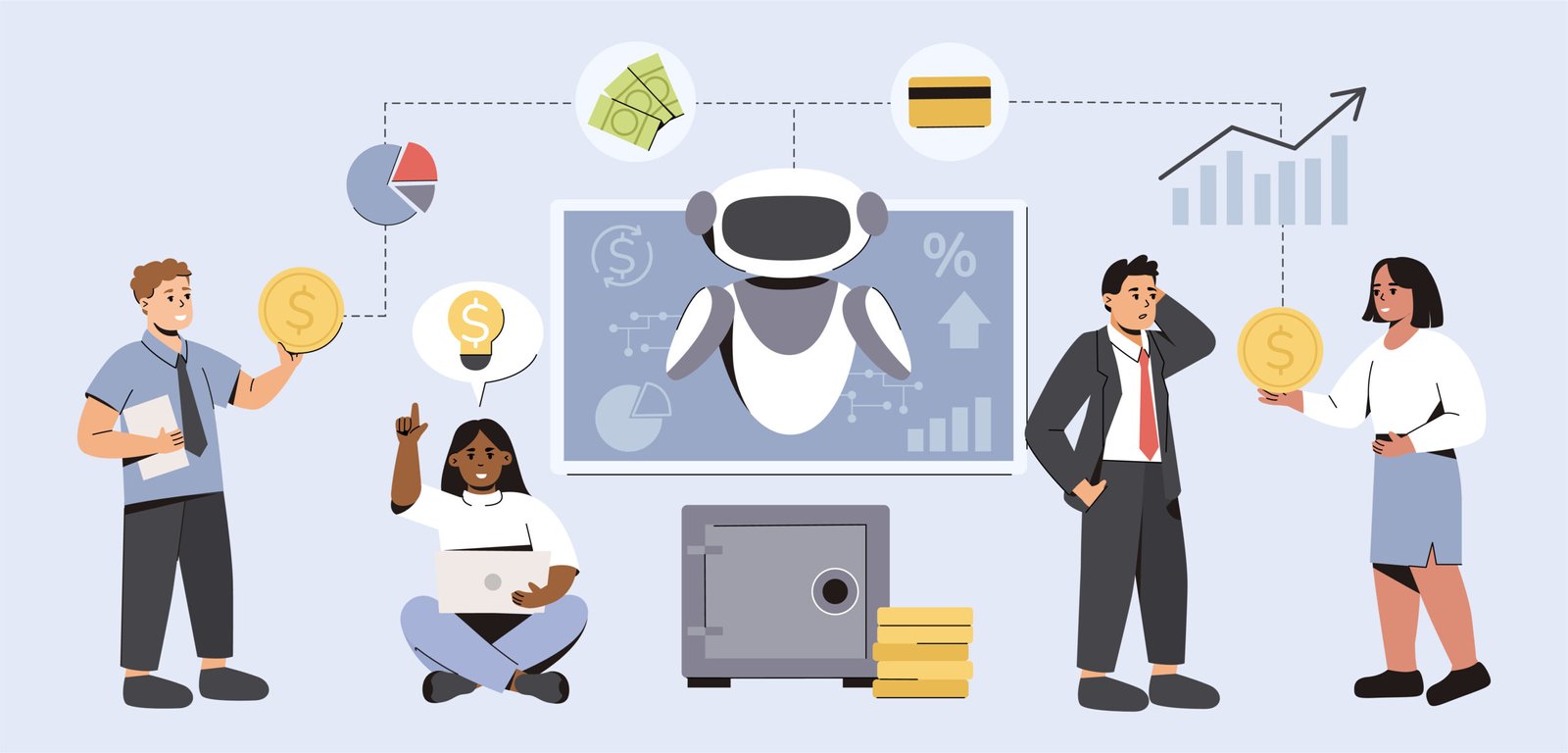
Most teams now use AI as a helper. Someone opens a chat box, types a request, and the model sends an answer. That is helpful, but it does not really change how work moves between tools.
AI agents feel different. They watch a workflow, take small steps on their own, and only call people in when needed. So learning how to build AI agents is less about pure code and more about shaping clean tasks, safe guardrails, and good handoffs.
Once the end goal is clear, an agent can handle part of the job on its own. The goal is not full automation on day one. The goal is steady relief on boring work with humans still in charge of outcomes.
This guide covers much more than just how to build an AI agent.
What AI Agents Actually Do in Business Workflows
An AI agent is just a loop wrapped around a model. It can read context, decide the next move, call tools, and then check what happened. Inside a real company that often turns into jobs like these:
- Watching inboxes or queues, tagging items, and routing them to the right team
- Pulling data across tools, filling gaps, and creating small summaries or drafts
- Kicking off follow up tasks when a status changes, such as a deal closing or a ticket stalling
The magic is not that an agent thinks like a person. It just runs the same checklist all day without getting bored. Once the checklist is clear, the agent can act on simple rules and leave the messy calls to people.
Core Building Blocks of An AI Agent
When you think about how to build agentic AI, it’s vital to understand that every agent stack has a few core parts. You can swap vendors, yet the shape stays close.
- Goal and policy. A short statement like “prepare weekly KPI mail for sales leaders, never send mail directly, always log drafts.”
- Memory and context. A store that holds recent events, past runs, and any user inputs that matter for the task.
- Tools and actions. Connectors to CRMs, support tools, spreadsheets, or internal APIs that the agent is allowed to call.
- Reasoning loop. The part that asks the model, “given this goal and context, what should I do next.”
- Review and logging. A way for people to see what happened, approve key steps, and fix bad calls.
A partner like NexForge usually spends as much time on policy and logging as on the model itself. That balance keeps agents useful instead of risky.
Step By Step Plan to Build Your First AI Agent
This section keeps one clear structure so a team can move ideas to pilot without drama.
Step 1: Pick One Narrow Workflow
Choose a task that repeats often and has a clear owner. Good examples are weekly reports or simple ticket triage. Small scope helps you see results without touching core systems on day one.
Step 2: Write The Happy Path
Describe the ideal run in simple steps. For instance: pull data, sort by date, group by owner, write a short note, then save a draft in one folder. This text becomes the backbone for prompts and tools.
Step 3: Design Inputs And Tools
List what the agent needs to see. That may be one database table and one inbox. Every extra source is another risk and another place to break. Start with the minimum and add more once the base loop is stable.
Step 4: Set Guardrails And Approvals
State what the agent must never do. Maybe it can write drafts but not send them. Maybe it can tag deals but not change amounts. Build these limits into prompts plus role settings so they do not depend only on trust.
Step 5: Test With Real Users
Run the agent beside the current manual flow for a short period. Ask users to compare drafts with their own work. Capture the cases where the agent fails and feed those into new training examples and prompt updates.
Technical Choices When You Build AI Agents
Once the first workflow is defined, technical questions feel less scary. Most teams stand between three broad routes.
One route is to use a hosted agent platform. This offers ready made tools, memory, and logs. You trade deep control for speed. It suits teams that want pilots quickly and can live with vendor limits.
Another route is to stitch together their own stack around an LLM API. Here you pick a vector database, a job runner, and a few key connectors. This takes more engineering effort but lets you shape data rules to match internal policy. This is the closest path to how to build AI agents from scratch, because your engineers choose each part of the stack and its rules.
A last route is to bake agent skills inside an existing product such as a CRM add on. That keeps change close to the tool where people already live, at the cost of slower cross platform reach.
NexForge often blends the second and third routes. The team wraps a small agent service around a client’s core stack, then exposes that service inside tools staff already use. That way the agent feels local yet still has one central brain.
Governance, Logs and Safety for AI Agents
No matter how you build AI agents, they will touch real data and real outcomes. Governance cannot be a later patch. Teams can keep risk low by focusing on a few controls.
- Access scopes. Give the agent the smallest set of permissions that still let it do the job. Read many places, write in very few places.
- Human checkpoints. Insert review steps at key points in the workflow such as sending messages or changing money values.
- Runbooks for errors. Decide what happens when an API fails or a model answer is unclear. Often the safest move is to pause and assign the task to a human.
Good logs matter as much as good prompts. Every action should show who called what, with which inputs, and which model version. When questions arise during an audit or a client call, these logs turn worry into a clear story of what happened and why.
Where NexForge Can Support a Rollout
Many teams like the idea of agents but stall on plumbing. Data sits spread across cloud tools, on prem systems, and spreadsheets. Workflows live in people’s heads instead of diagrams. The risk is to jump straight to code without a map.
Here, NexForge typically runs short design cycles before touching production systems. The team first interviews staff around one workflow, maps tools and pain points, and draws a clear state chart for the agent. Only then do they decide which stack to use, how to secure credentials, and how to ship the first pilot safely.
That approach keeps engineering effort pointed at jobs that really need automation rather than on generic demos. It also leaves the client with artifacts they can reuse for future agents.
Final Thoughts
We learnt how to build AI agents for beginners is the same question, just answered with smaller workflows, simpler tools, and very clear guardrails.
Learning this process is less about chasing secret algorithms and more about good workflow design plus patient rollout. Start with one narrow task, give the agent a simple goal, and watch it work under close review.
Over time, the hardest part will not be the model. It will be picking which parts of the business should get an agent next, and which parts deserve a human touch every time. Teams that keep that balance clear will see agents as quiet coworkers instead of wild experiments.